
Unsettled transactions report
This report provides client's with a full list of unsettled transactions, it assists with overall reconciliation.
There are two versions of this report available:
Version 1
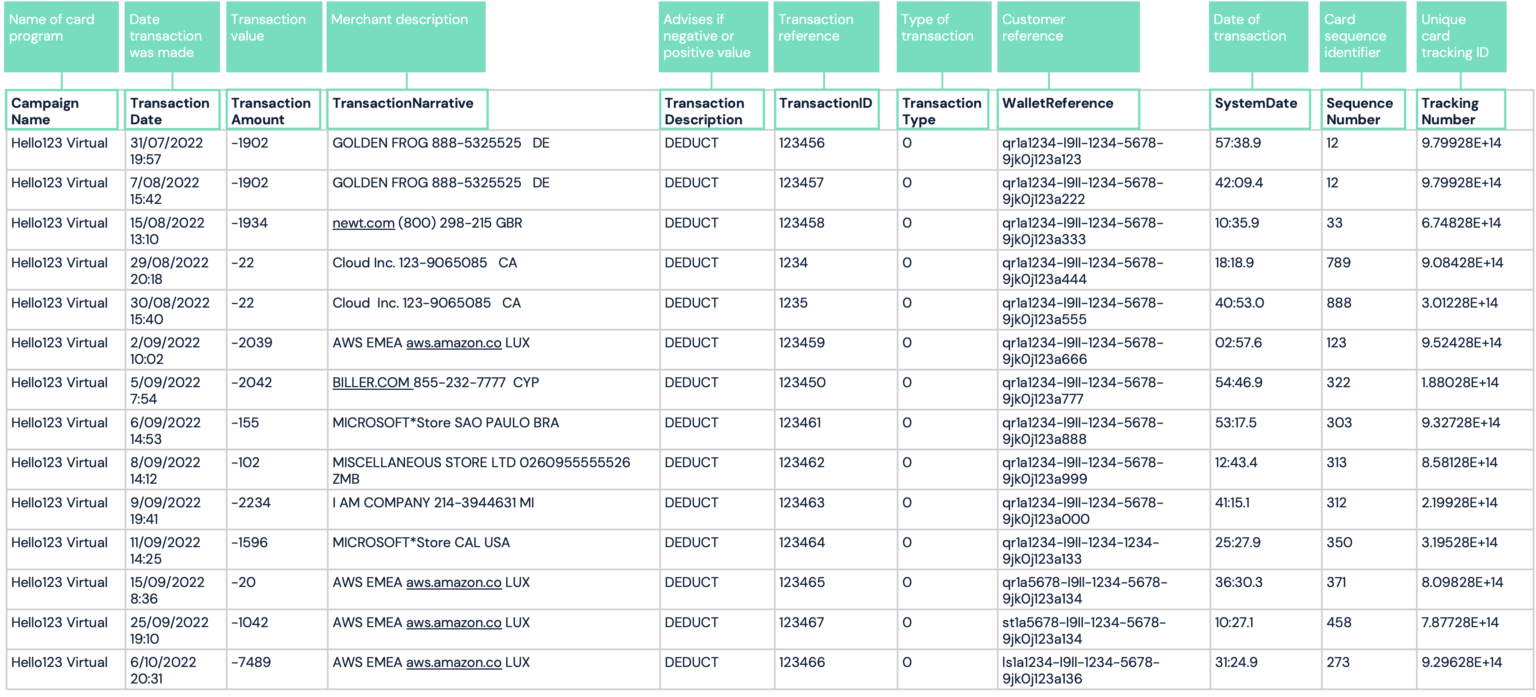
This report includes the following details:
-
CampaignName - Name of client’s campaign
-
TransactionDate- This is the authorization date of the transaction
-
TransactionAmount - the value of the transaction
-
TransactionNarrative - it’s the merchant’s description
-
TransactionDecription- this describes the transaction type, such as:
- DEDUCT - deductions or debits
- LOAD - refunds or credits
- CHARGEBACK
-
TransactionID - it’s a reference for the transaction
-
TransactionType - it can be marked as any of the following:
- 0 - POS Transaction
- 1 - ATM Transaction
- 2 - Adjustment
-
WalletReference - this is a unique customer reference for the card (applicable to Companion API). This column will be empty for Card API reporting.
-
SystemDate - this is Paymentology’s system date in UTC +2 time zone.
-
SequenceNumber- this is a unique sequence card identifier showing a running number for the cards created.
-
TrackingNumber - this is a unique 15-digit tracking identifier for the card.
Version 2
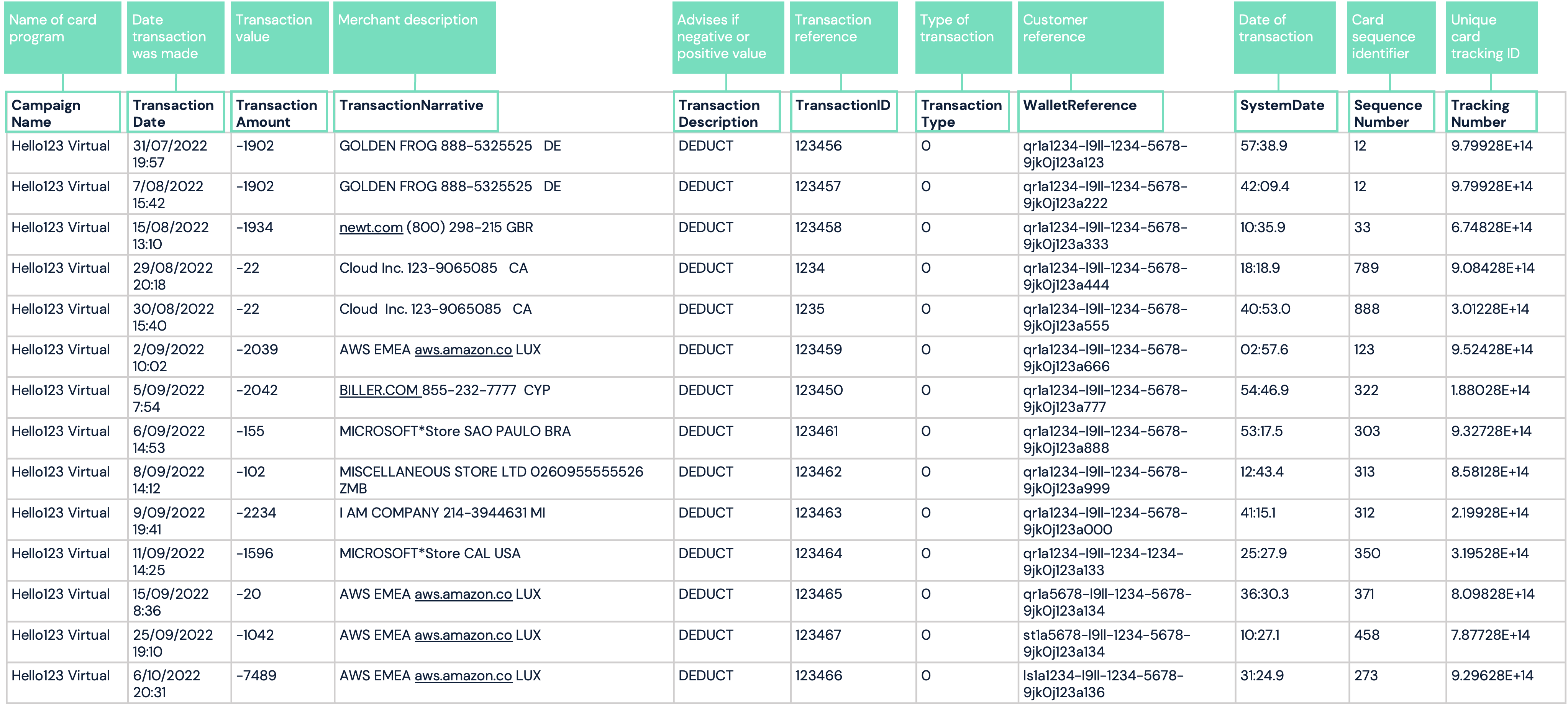
This report includes the following details:
-
CampaignName - Name of client’s campaign
-
TransactionDate- This is the authorization date of the transaction
-
TransactionAmount - the value of the transaction
-
TransactionNarrative - it’s the merchant’s description
-
TransactionDecription- this describes the transaction type, such as:
- DEDUCT - deductions or debits
- LOAD - refunds or credits
- CHARGEBACK
-
TransactionID - it’s a reference for the transaction
-
TransactionType - it can be marked as any of the following:
- 0 - POS Transaction
- 1 - ATM Transaction
- 2 - Adjustment
-
WalletReference - this is a unique customer reference for the card (applicable to Companion API). This column will be empty for Card API reporting.
-
SystemDate - this is Paymentology’s system date in UTC +2 time zone.
-
SequenceNumber- this is a unique sequence card identifier showing a running number for the cards created.
-
TrackingNumber - this is a unique 15-digit tracking identifier for the card.
-
NetworkTransactionID - the Transaction ID of the transaction, as created by the card network. You can match this against the Transaction ID on the Mark-off file
Report format
| FORMAT | FILE NAME | FREQUENCY | ACCESSIBILITY |
|---|---|---|---|
| CSV | [CampaignName]UnsettledTransactionReport[YYMMDD].csv | Hourly | HTTP get request |
Report time frame
| REMARKS |
|---|
| The report is generated once per hour for every campaign. |
Report sample
Note: file will automatically download upon clicking link
CampaignName_UnsettledTransactionReport_YYYYMMDD.csv
CampaignName_UnsettledTransactionReport_YYYYMMDD.csv V2 sample
Updated 3 months ago