
Tags
Simplify rule categorizations
Tags are created at a client level and can then be linked to any rule. This is helpful when you are looking to group specific rules together to simplify rule management on the UI.
Create a tag
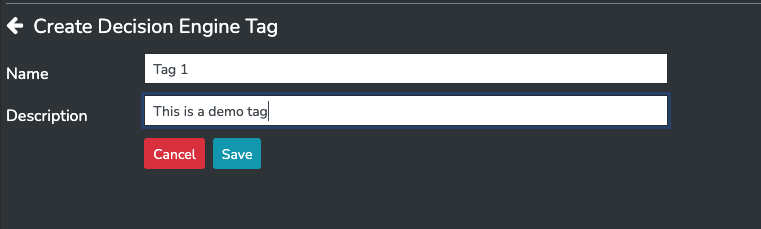
Head to the tags menu item under Decision Engine and add a new tag.
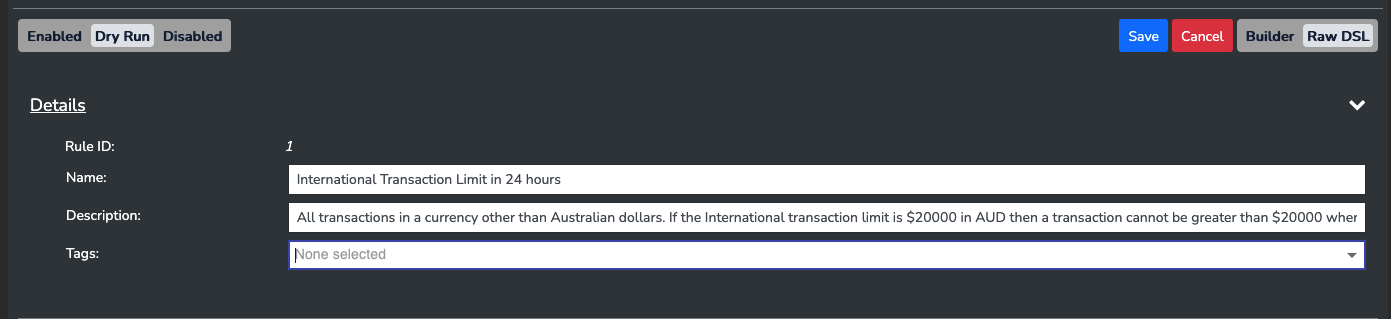
Then when editing a rule you may select from the available tags.
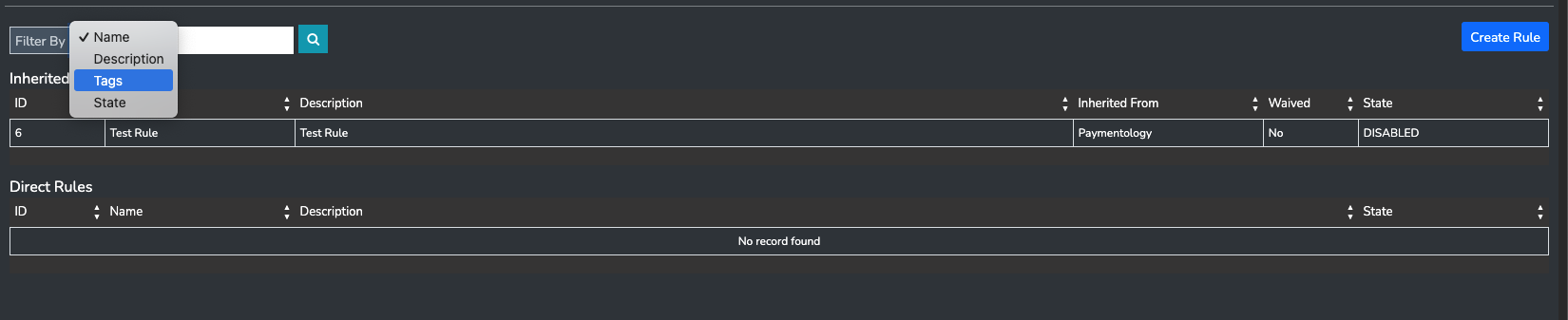
Now when you are searching through your ruleset, you may filter via tags:
Updated 5 months ago
Did this page help you?