
Assigning Actions
When creating a rule you would usually assign at least one action to that rule. That can be anything from a decline to a client FAST action.
Assigning an action to a rule
After saving a rule you will notice 2 sections at the bottom of the rule edit screen:
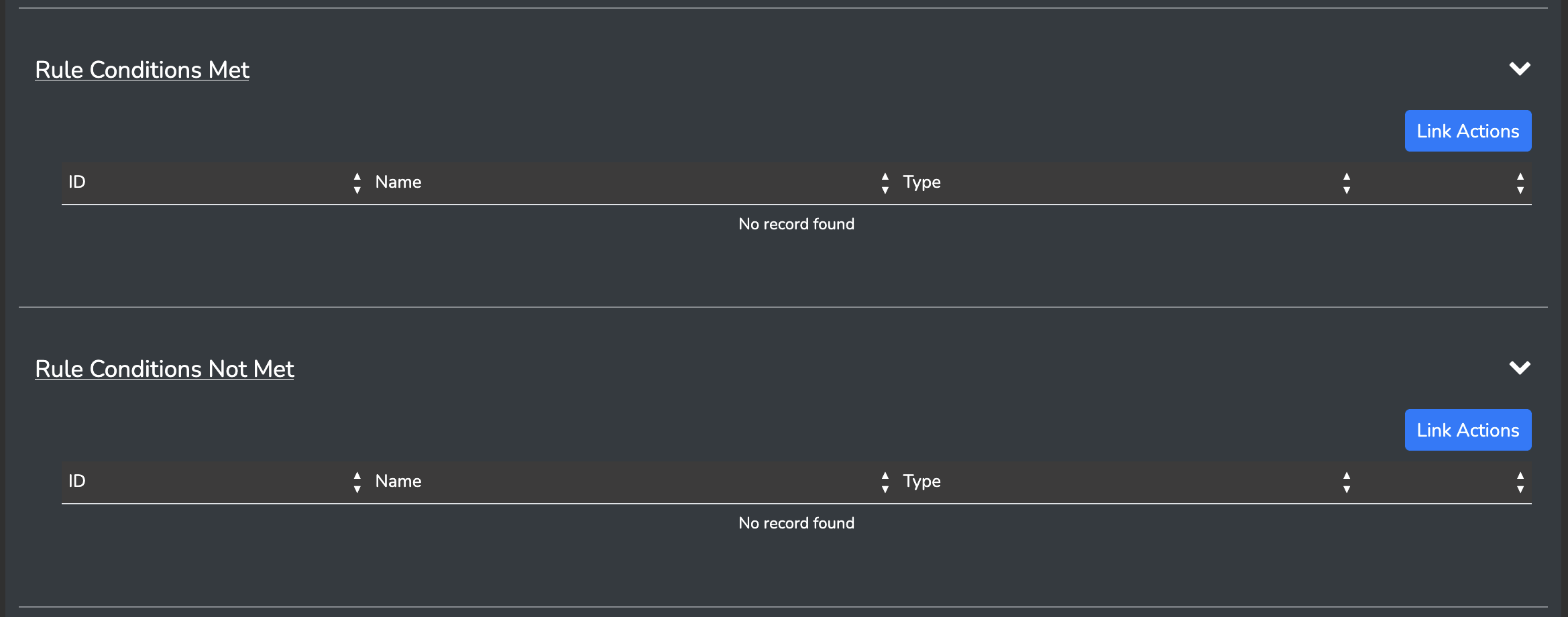
Rule Conditions Met
These actions would be triggered if the outcome of your rule was "positive".
Rule Conditions Not Met
These actions would be triggered if the outcome of your rule was "negative". ie. The evaluation was not met.
Assigning an action
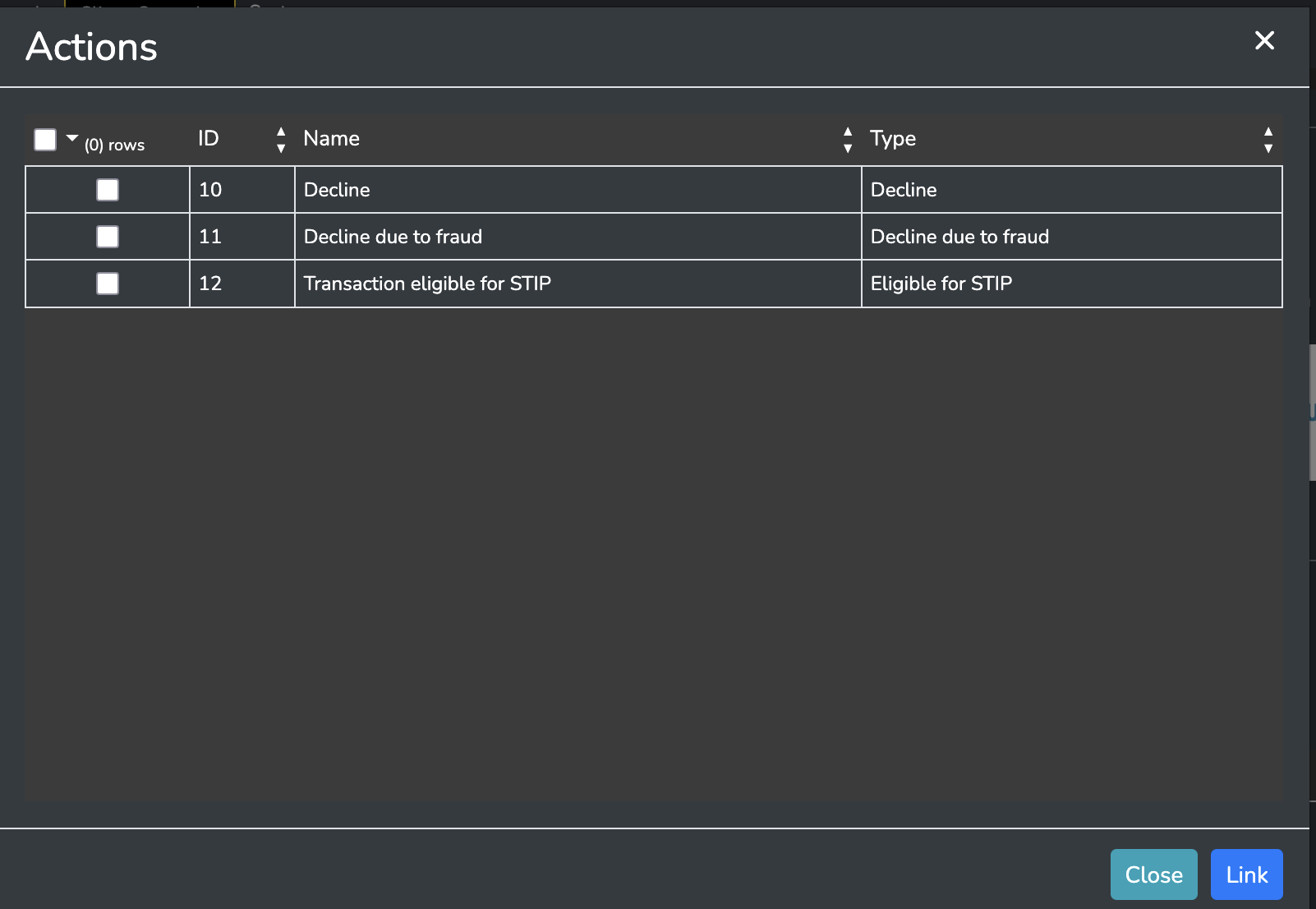
Clicking the "Link Actions" button will bring up an actions selection screen in which you may assign multiple actions to your rule:
Remember that if a rule is in a dry-run state the actions will not be triggered
Updated 5 months ago
Did this page help you?